
A familiar way to code
Line numbers, PRINT, GOTO, FOR/NEXT. A GW-BASIC-inspired interpreter with immediate commands and programs you can read from top to bottom.
10 PRINT "LET’S BEGIN"CLASSIC PROGRAMMING. MODERN POSSIBILITIES.
The joy of BASIC.
Right where you are.
Write a few lines. Make something happen. Classic BASIC brings the spirit of early home computing to your browser, iPhone, and iPad.
Free in your browser. No account. Just code.
Classic BASIC V1.3.2
A familiar prompt. A fresh start.
10 FOR I = 1 TO 5
20 PRINT "HELLO, WORLD!"
30 NEXT I
RUN
HELLO, WORLD!
HELLO, WORLD!
HELLO, WORLD!
HELLO, WORLD!
HELLO, WORLD!
Ok
01 / MAKE SOMETHING YOURS
Start with a blinking cursor and follow your curiosity. From your first loop to a game you can take apart, the next step is always yours.
Line numbers, PRINT, GOTO, FOR/NEXT. A GW-BASIC-inspired interpreter with immediate commands and programs you can read from top to bottom.
10 PRINT "LET’S BEGIN"Draw with lines, circles, and pixels. Explore canvas graphics, sound, arrays, strings, and the logic that makes a program work.
CIRCLE (160,100),50Open the built-in game catalog. Play Block Drop, Road Hopper, or Blackjack, then LIST the code and change it yourself.
LOAD "BLOCKDROP.BAS"Paste code into the terminal. SAVE a .BAS file to your device, LOAD it again, and keep experimenting at your own pace.
SAVE "MYPROGRAM.BAS"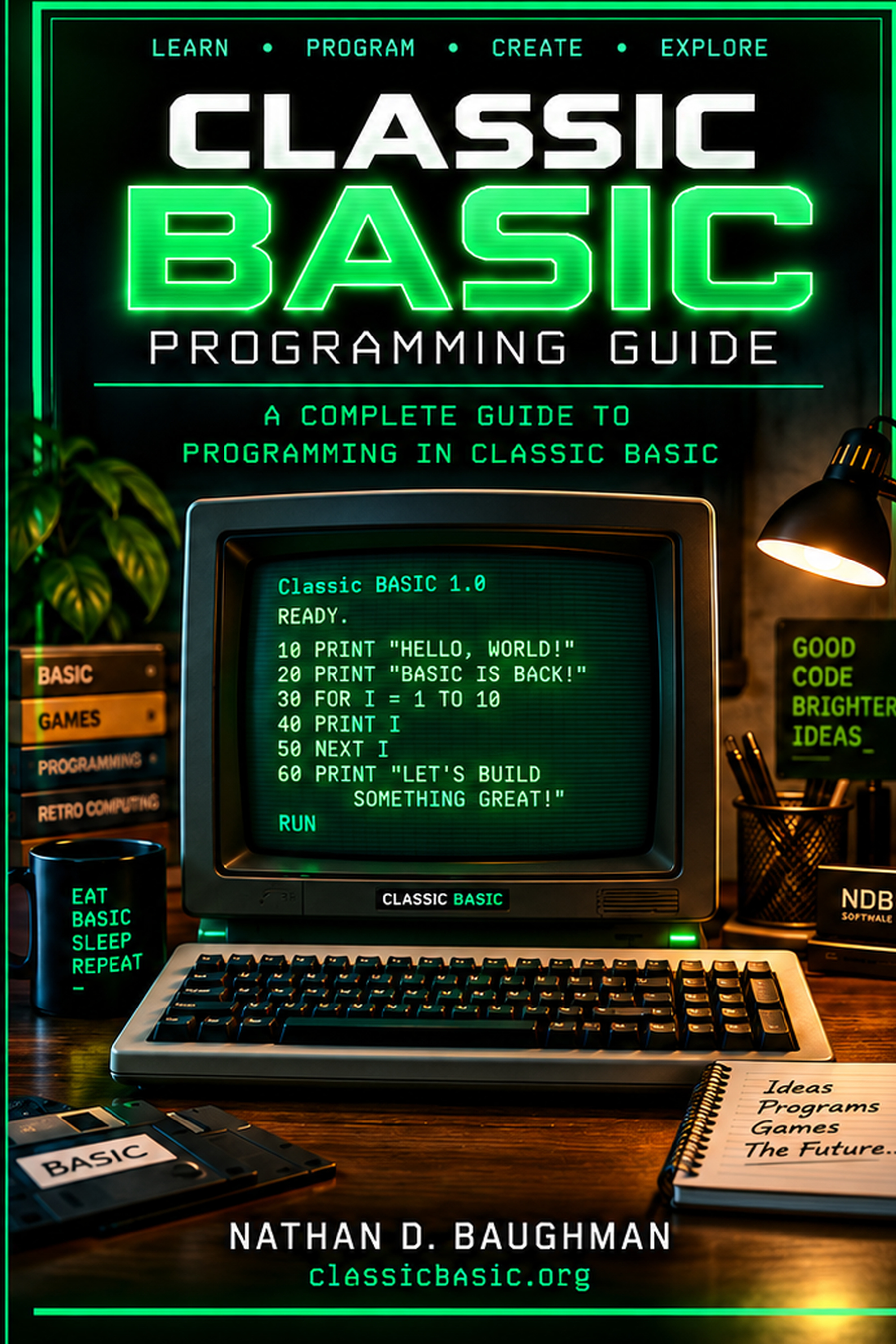
02 / A COMPANION FOR YOUR CURIOSITY
The Classic BASIC Programming Guide.
Build your understanding one program at a time. Explore the language, work through examples, and keep a command reference close at hand.
By Nathan Baughman, creator of Classic BASIC.
03 / TAKE THE PROMPT WITH YOU
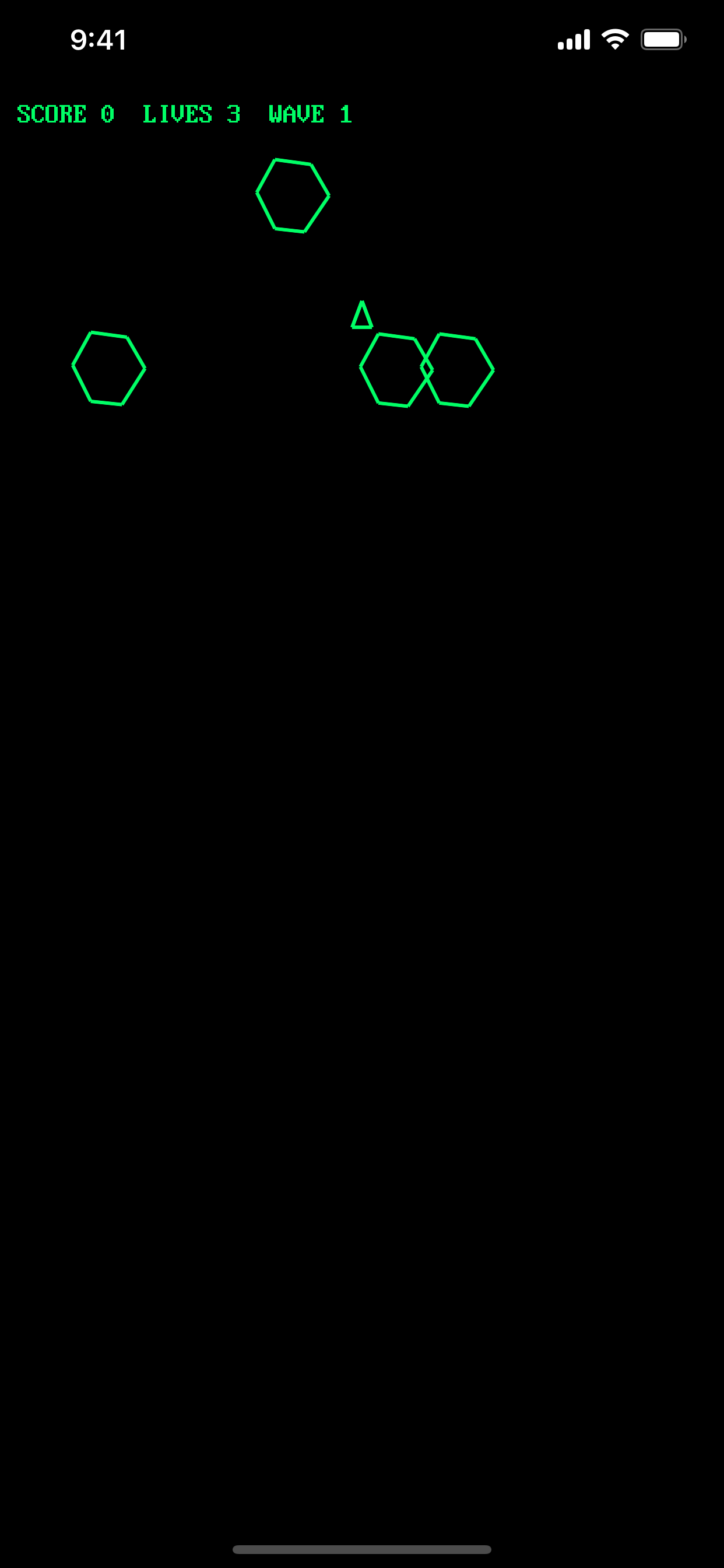
Classic BASIC for iPhone and iPad puts a native terminal, built-in programs, graphics, and a programming guide on the device you already carry.
Made for touch. Ready for an external keyboard.
 Classic BASIC
A NOTE FROM THE PAST
Classic BASIC is built around that feeling. An open prompt, a small set of commands, and the freedom to find out what happens next.
Created by Nathan Baughman of NDB Software, it’s a place for first-time programmers, returning hobbyists, and anyone who still wonders, “What if I change this line?”
YOUR NEXT PROGRAM STARTS HERE
Open Classic BASIC. Type a line. See what happens.