Touch or keyboard
Use the touch terminal and game keyboard, or an external keyboard with Escape and Ctrl+C to break execution.
CLASSIC BASIC FOR iPHONE & iPAD
 THE NATIVE APP
The classic prompt, made for modern devices.
Write and run line-numbered BASIC, explore graphics, and learn from built-in games. All in a native app for iPhone and iPad.
iPhone and iPad · Native terminal · Built-in guide
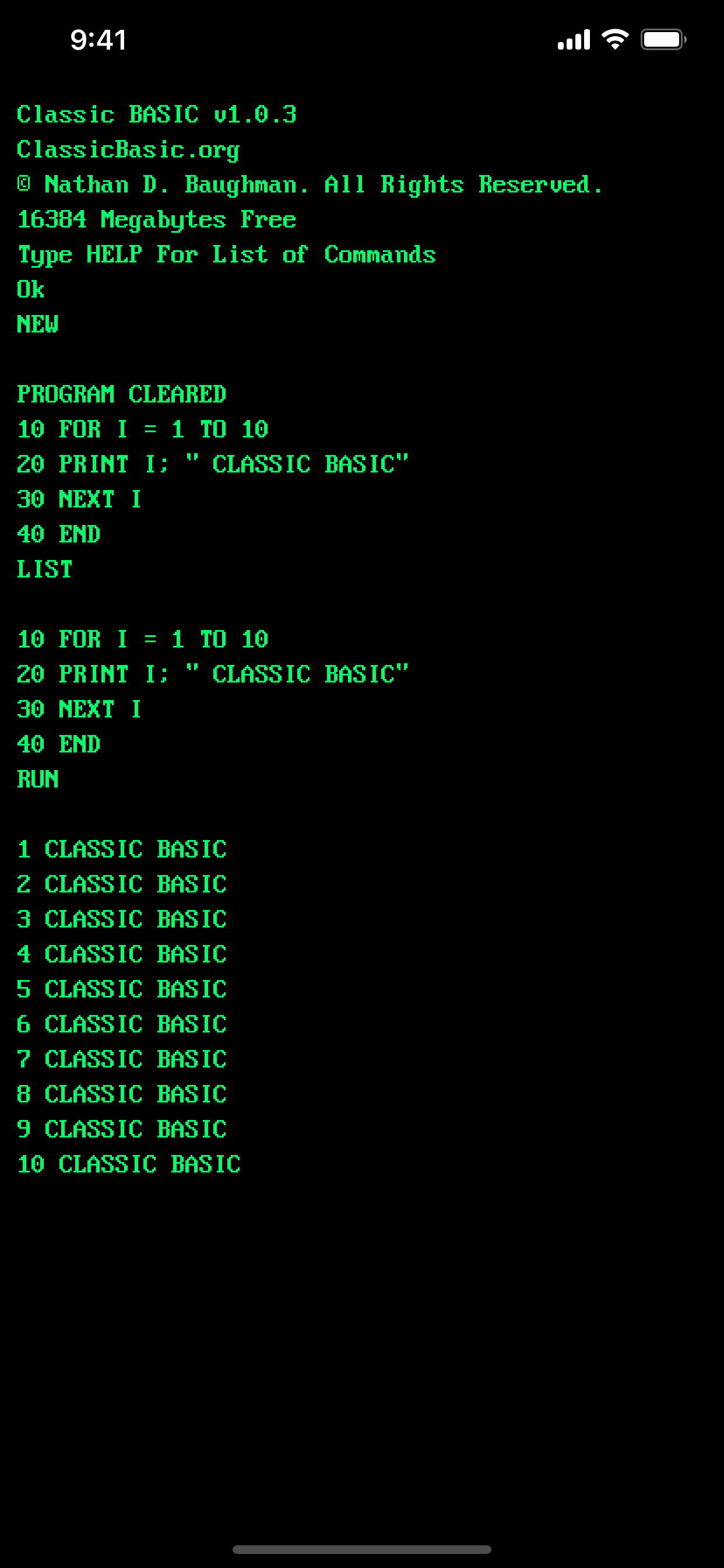
A FAMILIAR PROMPT. A DIFFERENT KIND OF DEVICE.
Tap out an idea on your phone or settle in with your iPad. Keep the immediacy of BASIC, with controls for the way you work.
Use the touch terminal and game keyboard, or an external keyboard with Escape and Ctrl+C to break execution.
Load built-in programs including Block Drop and Astro Blaster. Explore the code that makes them work.
Choose Green, Amber, or DOS-style display modes. Try graphics commands for lines, circles, and screen output.
Save and load your own programs. Open the included programming guide when you want a little direction.
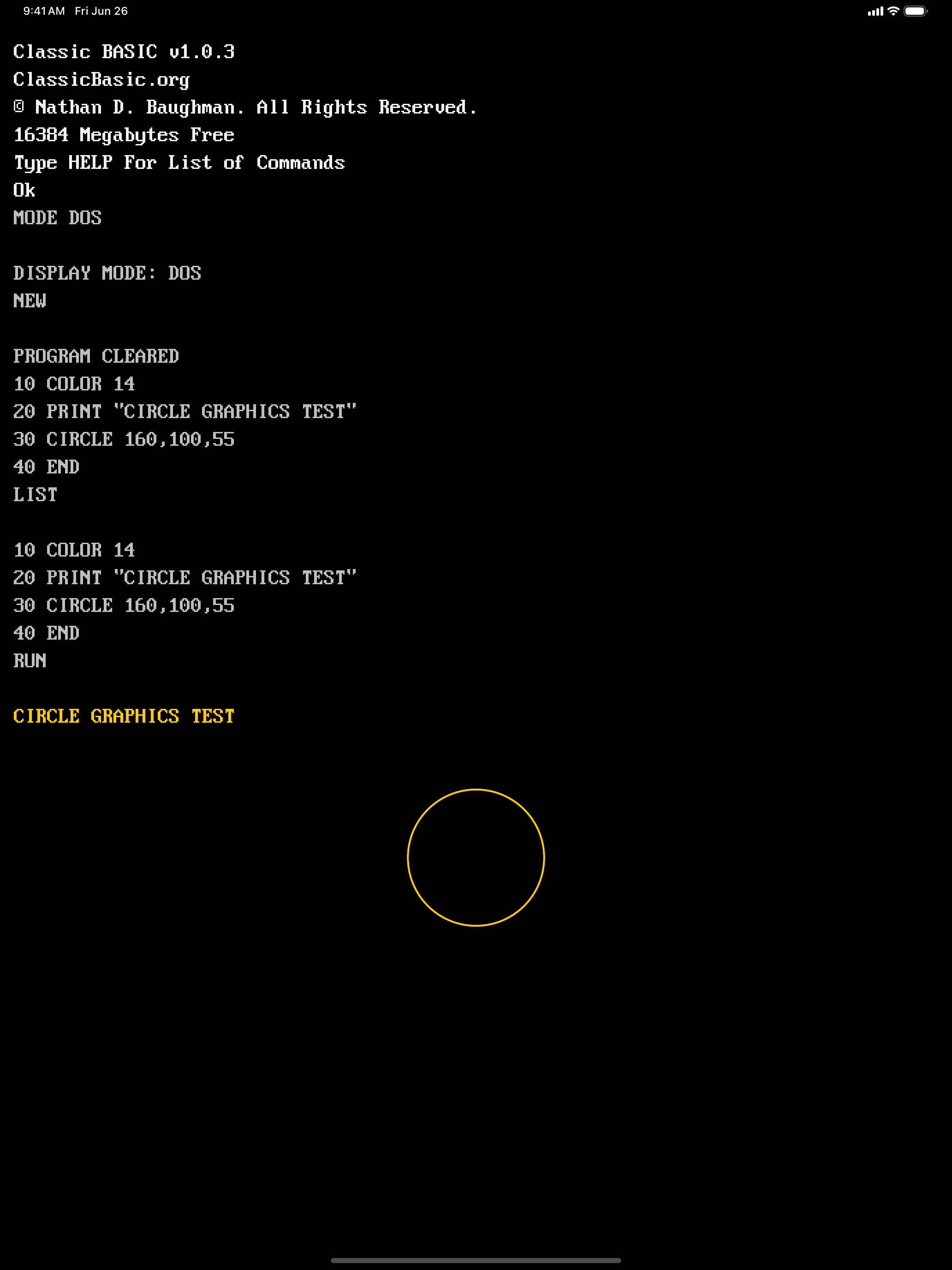
MORE ROOM TO EXPERIMENT
On iPad, give your listings and graphics room to breathe. Work through a program, try a different command, and see your changes on screen.
Screenshots show the existing native app. The browser and native versions have their own feature sets.
Meet the companion Programming Guide →YOUR NEXT PROGRAM STARTS HERE
Open Classic BASIC. Type a line. See what happens.